
Convert images & PDFs
in one click.
Free file converter that runs in your browser. Turn HEIC into JPG, compress photos, merge PDFs. No signup, no uploads.

Most popular tools
16 tools to convert, compress and merge your files for free. Try one today.
Keep your simple tasks simple
DockFlip is built for the quick jobs: change a format, shrink a file, merge a PDF. Open the tool, finish the task, move on.
Convert any format in seconds
Phone photos, web images and screenshots become the format you need. Drop a batch of files and download each result.
View all converters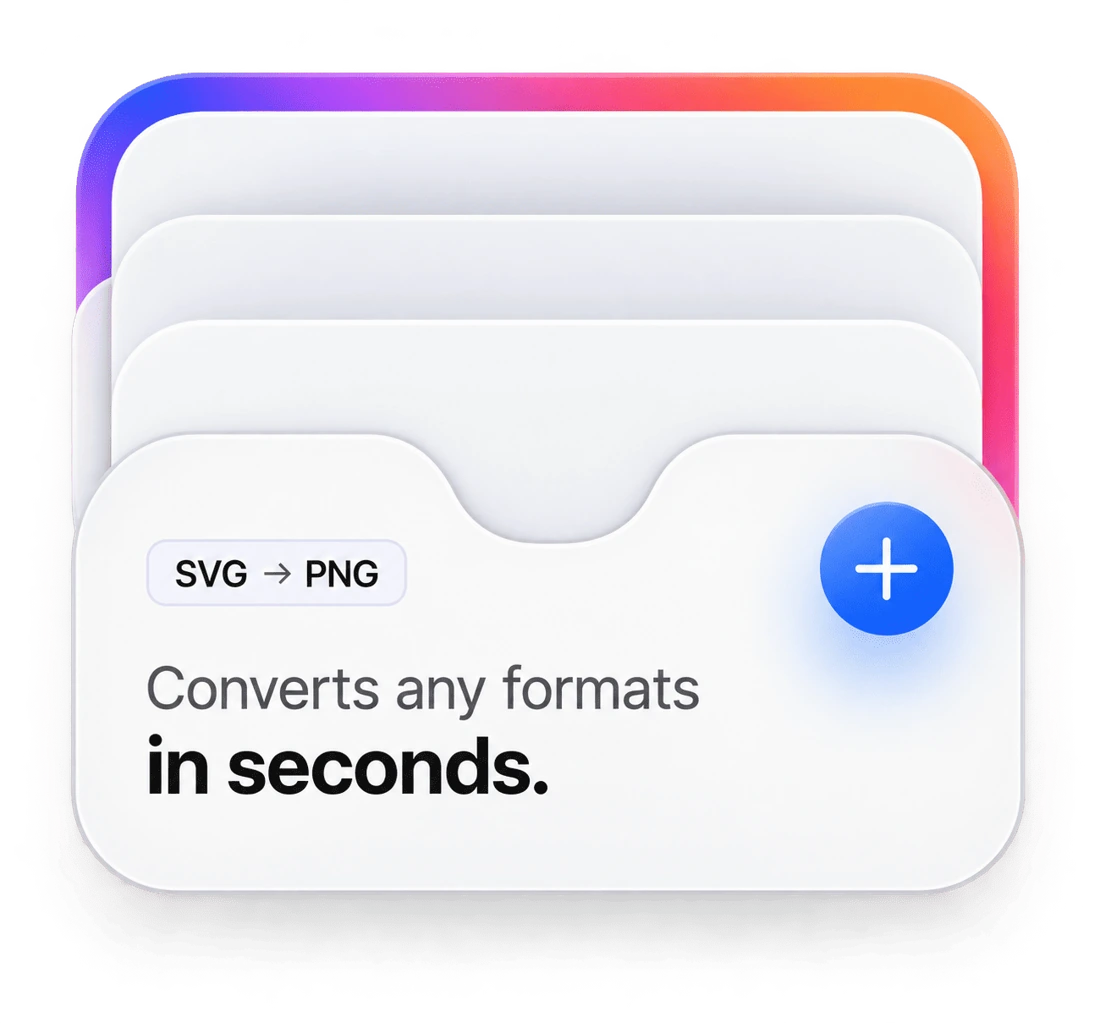
Make big files small
Pick a quality level and see the size drop. Compress, resize or switch to WebP for faster pages.
Compress an imageYour files stay on your device
Supported conversions run locally in your browser, so file contents are not sent to DockFlip.
Learn how it works
Why choose DockFlip?
Free, fast and private file tools that work right in your browser.
Private by design
Supported conversions run in your browser. This page does not upload file contents.
No signup
Open a tool, drop a file, download the result. No account, no watermark.
Works on phones
Built for modern mobile browsers, including Safari on iPhone and Chrome on Android.
Batch friendly
Convert several files at once. Limits depend on your device memory.
Clear quality control
Use the quality slider for JPG and WebP to balance size and sharpness. PNG output always stays lossless.
Fast, no waiting
Conversions start the moment you drop a file, with no queue, no upload and no waiting around.
Frequently asked questions
Still have questions?
Can't find the answer you are looking for? Send us a message and we will get back to you as soon as possible.
Contact usIs DockFlip really free?
Yes. There is no signup, no watermark and no cap on how many files you convert. The only limits are file size and batch size, which depend on your device. Ads may be added later to cover running costs, and they will never sit between you and the download button.
Are my files uploaded anywhere?
Supported image conversions run in your browser. This page does not upload file contents for those conversions. Check each tool for format-specific processing details.
Which format should I choose?
JPG for photos and anything you plan to share or upload. PNG for screenshots, logos and images that need sharp edges or transparency. WebP for websites, where smaller files load faster. PDF when you need to send several images as one document.
Does it work on phones?
It is built for modern mobile browsers, including Safari on iPhone and Chrome on Android. Very large batches can run out of memory on older phones, so convert in smaller groups if things slow down.
Get in touch
Questions, bug reports or an idea for a new tool? Send us a message, or reach us directly by email.
Your files stay yours
We only use your name, email and message to reply to you. Files you convert never reach us. See our Privacy Policy.